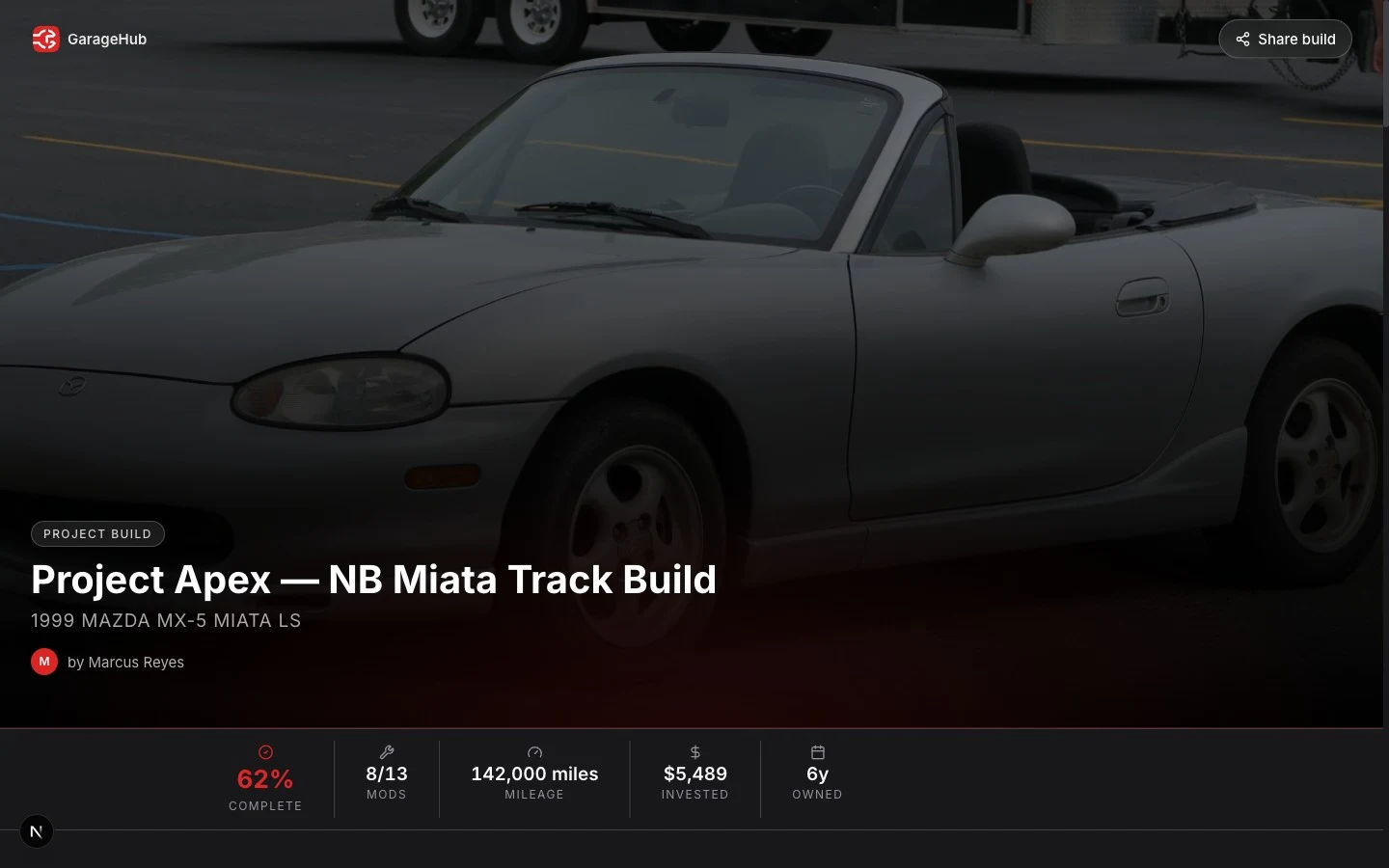
What is a GarageHub build page?
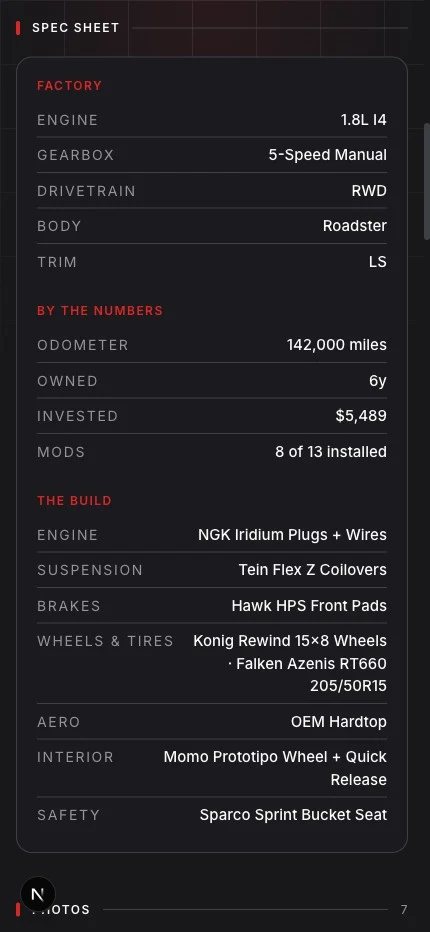
A public, shareable web page for one of your vehicles. Make a build plan public and GarageHub generates a fast page with a forum-style spec sheet, your full mod list, a photo gallery, build progress, and your service timeline. Anyone with the link can view it — no app or login required.
Is build tracking free?
Yes. You can track a build and create a public build page on the free tier. Premium unlocks unlimited vehicles and unlimited Rev AI, but sharing a build is available to everyone.
Who can see my build, and can I hide what I paid?
Builds are private by default — nothing is public until you flip the switch. Even then, you control what shows: costs, the service timeline, photos, and the issue list are each toggleable, so you can share the mods without revealing what you spent.
What shows up on the build page?
Factory specs, a "by the numbers" panel (mileage, money invested, mods installed), your full mod list with brands and part numbers grouped by installed / ordered / planned / wishlist, a photo gallery, build progress by category, and your maintenance timeline.
Can I share my build on forums and Instagram?
Yes — that's the point. One clean link for a forum thread, a group chat, an Instagram bio, or a for-sale ad. The link unfurls with a designed preview card showing the vehicle, mod count, and money invested.